
How Google Is Changing the Way People Run Meetings
August 5, 2026For many, meetings are a necessary part of the working day. They help teams make decisions, solve problems, check progress and keep clients updated. The issue isn’t always the meeting itself. The real problem is what happens afterwards.
Someone has to write up the notes, remind the team what was agreed, and chase the next steps. Then, before long, the same information is repeated in another meeting, with another person, because not everyone had the same understanding the first time around.
Google is now taking action to end “the meeting after the meeting”, preventing the need for follow-up conversations because actions were unclear, decisions weren’t documented properly, or people left the call with different versions of what had been agreed.
At Google Cloud Next 2026, Google announced new ways Gemini will soon start supporting meetings. AI agents will be able to attend your meetings, track your decisions, and work even if you’re using Zoom or Teams. So, teams can spend more time focusing on the work that matters.
Gemini Is Moving Beyond the Browser
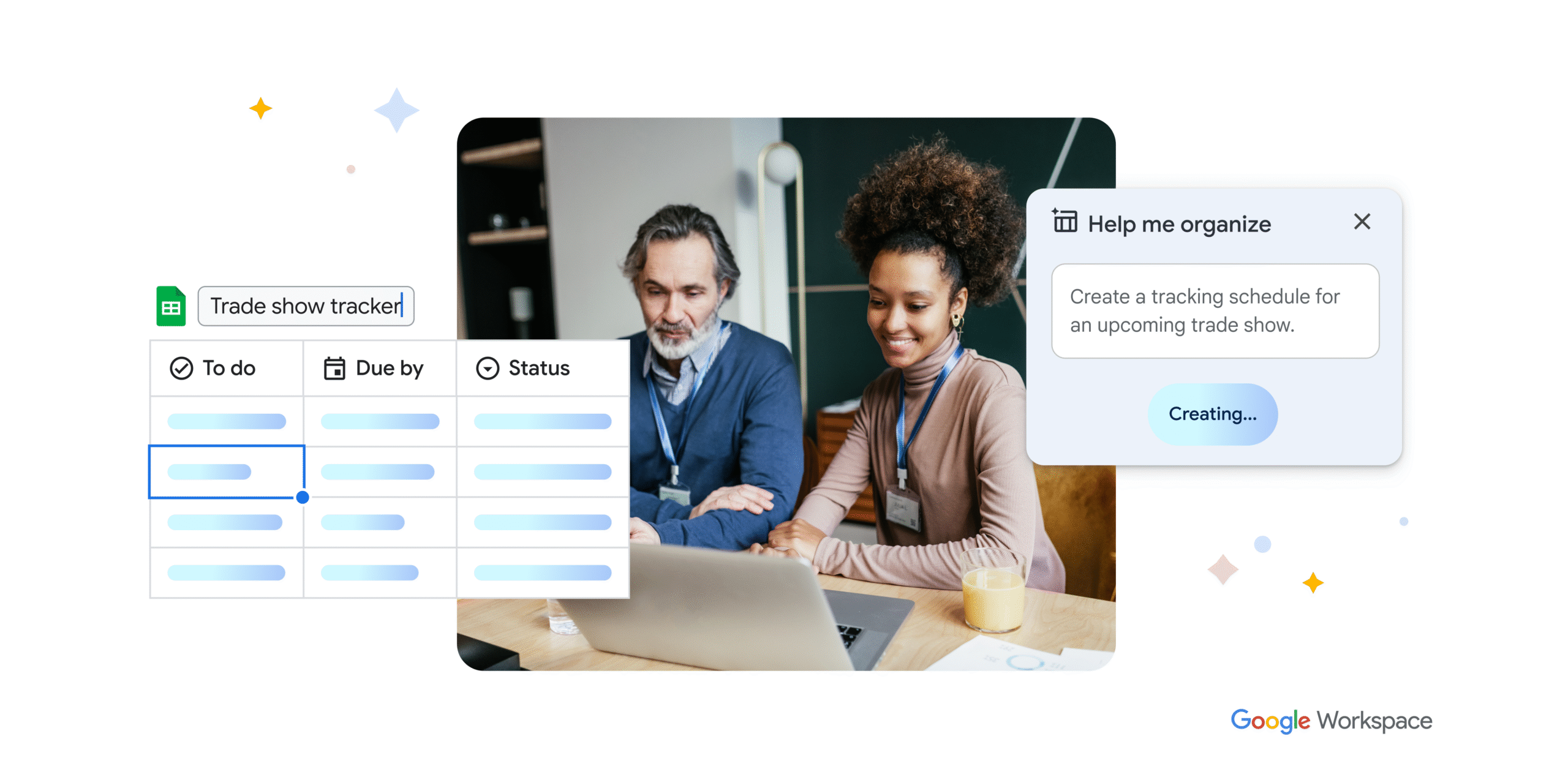
One of the biggest changes coming is how Gemini is leaving the browser and entering the physical office. Currently, AI note-taking only works in Google Workspace, which is fine if you’re using Google Meet, but if a client prefers Zoom or a partner uses Microsoft Teams, you lose your Gemini note taking.
This is going to change.
Google’s 'Take Notes for Me' will soon be a universal tool. You will be able to trigger it from your mobile app for an in-person coffee chat or use the new Workspace integration to bring Gemini’s note taking capabilities into a Zoom or Teams room. Gemini will listen, transcribe, capture the key points, and turn the conversation into a document that’s saved to your Google Drive.
When you get a record of the conversation, regardless of where the conversation happened, the value of the meeting doesn’t disappear as soon as everyone leaves the room.
The New Decisions Section and Action Items
Transcripts are helpful, but they’re often just a wall of text. They capture the full conversation, but what you actually need are the outcomes. What was agreed? What still needs another discussion? What does someone need to do next?
Google has now made meeting notes more customisable, allowing users to turn specific sections on or off during a call, including Summary, Decisions, Next steps and Details. These changes only apply to the current meeting, so teams can adjust the notes to suit the discussion without changing their default settings for future calls.
Gemini can automatically categorise the conversation, helping you see the status of key points much more clearly. For example, it might identify that you and your head of sales “aligned” on a new budget but “disagreed” on the launch date. It can also flag outcomes as needing further discussion or being shelved, giving everyone a clearer view of where each decision stands.
Instead of leaving everyone to interpret the conversation, Gemini turns the important parts of the meeting into something structured and easier to follow. For busy teams, this is a practical way to reduce the confusion that often happens after meetings. You’re not left scrolling through a long transcript to find the one point that matters. The outcomes are easier to spot, share and act on.
Turning Talks into Tasks
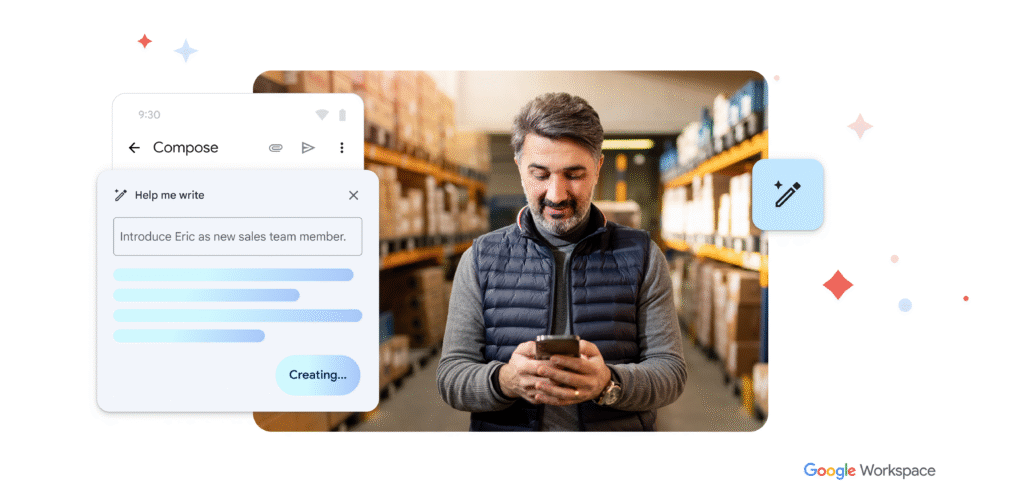
The real value of these updates is that they help turn talks into tasks without you having to do all the manual work afterwards.
In many businesses, someone leaves the meeting and has to write up the notes, pull out the action points, remind people what was agreed and make sure nothing gets missed. This follow-up admin can easily double the length of a meeting, turning a quick discussion into another task on your to-do list.
With Gemini, meeting notes can include clear next steps and action items, making follow-up easier to manage. This means the person leading the meeting can stay focused on the conversation rather than trying to create a clear plan for afterwards.
Google’s 'Take Notes for Me' won’t remove the need for a well-run meeting. But documenting decisions and next steps makes it much easier to maintain momentum after the meeting ends.
A Better Experience for Late Joiners
Everyone has experienced it. You join a meeting five minutes late and immediately feel behind. You either interrupt the flow to ask what you’ve missed or sit quietly trying to piece things together from the rest of the conversation.
Google’s “Summary so far” feature helps solve this problem. When someone joins late, Gemini can provide a private catch-up, so they can quickly understand the points already covered.
This is a small feature, but it can have a big impact in real working environments. People are often moving between tasks, and being a few minutes late doesn’t have to mean being out of the loop for the rest of the meeting. It also helps keep meetings moving. Instead of stopping to recap everything, the conversation can continue while the late joiner quietly catches up.
Privacy Still Needs To Be Taken Seriously
Whenever AI is being used, there are understandably privacy concerns.
For many businesses, meetings include sensitive information, from client data and financial details to HR discussions or product strategy. AI meeting tools need to be managed properly, especially in larger organisations with compliance requirements.
Google has continued to build controls around Gemini note taking and has introduced explicit consent gates. For example, Admins can ensure that no recording or note-taking begins until every meeting participant, whether in person or virtual, hits "Accept". It's enterprise-grade intelligence with enterprise-grade privacy.
Businesses should make sure they understand how these features are enabled, who can use them, where notes are stored, and which internal policies apply. This is one of the reasons we recommend a planned approach to AI adoption. Turning on new features is easy, but ensuring they’re used securely across the business requires more thought.
What This Means for Google Workspace Users
The direction is clear. Google Workspace is no longer just helping businesses host meetings. It is helping them run more efficient meetings.
With Gemini, meetings will come with structured, searchable documents that can be easily shared. AI agents can handle the follow-ups, so you can get back to actually running your business. Even when a conversation happens on a third-party meeting platform, Gemini can help bring the notes, decisions and actions back into your workflow.
For CEOs, founders and managers, this means less time taking notes, chasing follow-ups and repeating the same information after every call. Instead, teams can leave meetings with a clearer record of what happened, what was agreed and what needs to happen next.
Making Meetings More Efficient with Damson Cloud
At Damson Cloud, we help organisations get more from Google Workspace by setting up new tools, agentic workflows, and AI features that make everyday work easier.
Gemini’s latest meeting updates are a clear example of this. By helping with notes and follow-ups, AI can support a more efficient way of working. Instead of spending the whole call taking notes, you can stay fully engaged in the conversation.
If you’re ready to make every meeting smarter, you need to check out Google’s conversational intelligence in Google Meet. Speak to our team at Damson Cloud, and we can help you explore how Gemini and the wider Google Workspace platform are changing and how they can improve efficiency across your operations.